
IFC model checker – validate your BIM files in seconds
Every IFC model you deliver represents your team's work and professionalism. A missing property or mis-named parameter can cause rework, failed data exchanges, or a rejected submission. Data Octopus makes quality assurance simple with an online IFC model checker that validates your files instantly, with no installation or setup required.
Why use an IFC model checker?
BIM models contain thousands of elements and data points. Even experienced users can miss a property, type mark, or classification code. Checking each one manually is slow and error-prone.
- Detect missing or incorrect properties before submission
- Validate that exported IFC data matches your project standards
- Catch naming and classification issues early
- Produce clear pass/fail reports for audit and client review
How it works
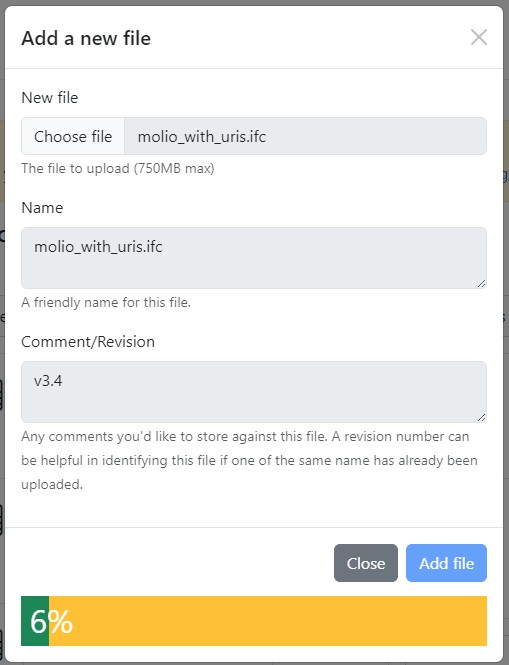
- Upload your IFC file - export from your preferred authoring software
- Select or upload your IDS file - use a standard ruleset or a client-specific one
- Run the check - our engine analyses every entity, property and classification tag
- Review the report - see which requirements passed or failed and view any detected issues in the IFC or IDS file structure
No software to install, no plug-ins, no IT approval - everything runs securely in your browser.
AI Fix: smart remediation
If a requirement fails, the optional AI Fix analyses the rule and identifies which authoring software created the IFC. It then generates clear, step-by-step guidance showing how to fix the issue directly within that software - for example, which parameter to edit in Revit or which property set to update in Archicad. This removes guesswork and helps teams correct problems quickly before re-exporting their IFC.
Check grouping and sharing with snapshots
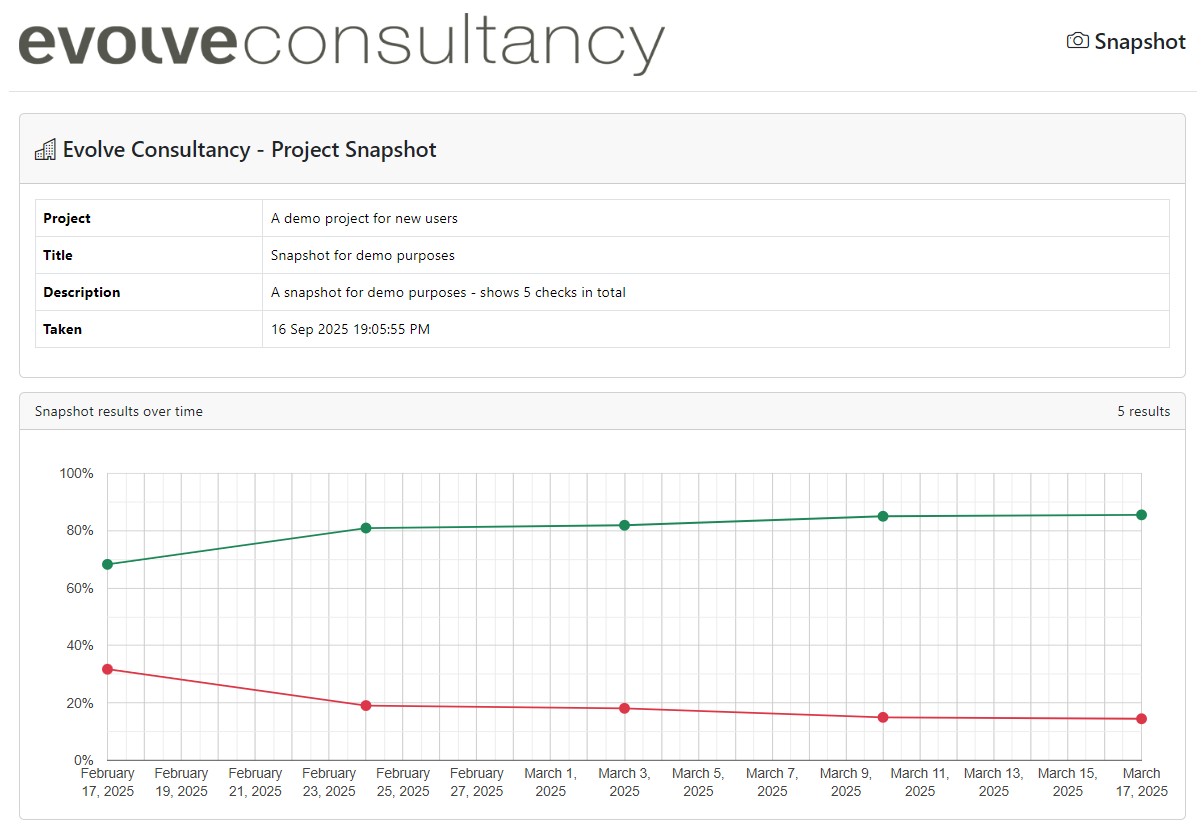
You can tag and group multiple checks together to track project progress over time. Using the Data Octopus snapshot feature, share results instantly with project stakeholders - giving everyone a live view of model compliance and quality improvements as each new version is validated.
Go beyond geometry
Data Octopus focuses on data integrity, not just 3D structure. It checks:
- Property sets (Pset_*) and attributes
- Type and instance parameters
- Classification references (Uniclass, OmniClass, etc.)
- IFC version and schema compliance (IFC 2x3, IFC 4, IFC 4.3)
Compatible with all major BIM tools
- Autodesk Revit
- Graphisoft Archicad
- Trimble Tekla Structures
- Vectorworks
- Bentley OpenBuildings
If your software exports valid IFC, we can check it.
Get started for free
Your first three checks are fully featured and completely free. Upload an IFC file today and see exactly how compliant your model really is.
Read more...
Fix IFC / IDS errors with Data Octopus AI How this works with Revit, Archicad, Vectorworks, or Tekla
Snapshots: sharing BIM validation progress What are Snapshots and how they can help your BIM projects
IDS IFC Validation: a quick guide for 2025 What is IDS and how it could work for you
IFC Data Validation Validate your BIM files in seconds