
IDS Checking in Practice: Supporting Quality on Higher-Risk Buildings
How one BIM consultancy is using IDS checking to streamline data quality reporting on higher-risk buildings and what we've learned from working with them.
A real-world IDS workflow
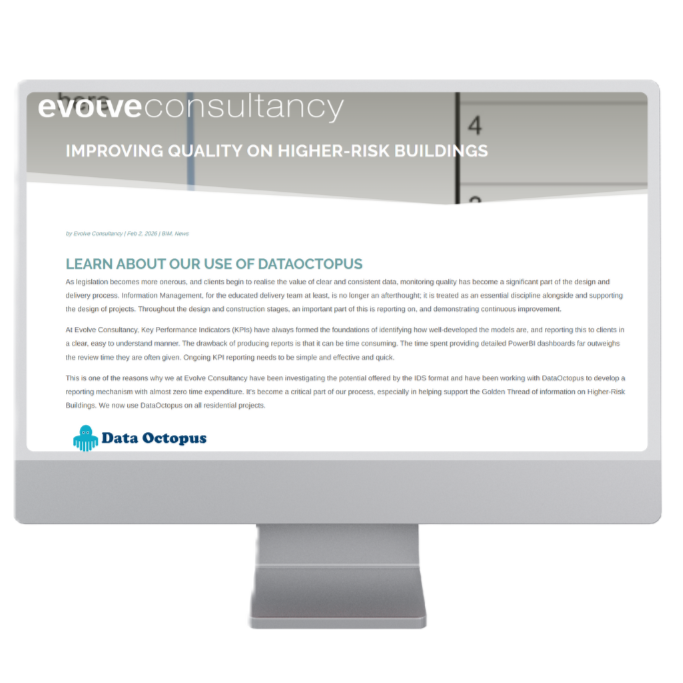
The team at Evolve Consultancy published a piece this week on how they're using IDS checking as part of their information management process on higher-risk residential projects. It's a good read if you're involved in Golden Thread compliance or BIM coordination. IMPROVING QUALITY ON HIGHER-RISK BUILDINGS
We've been working with Evolve over the past year as they've integrated Data Octopus into their workflows, so it's useful to see how it fits alongside their existing toolset. Their point about IDS not replacing detailed coordination tools like Solibri is important - the two serve different purposes. IDS checking is about fast, repeatable validation of basic data requirements: does every element have a classification? Is the naming syntax correct? Are the required properties populated? It's the kind of thing that's tedious to check manually but straightforward to automate.
Features shaped by feedback
What's interesting from our side is seeing how the workflow has evolved. The ability to filter results by design stage and discipline came directly from conversations with teams like Evolve who needed to report progress at Gateways without drowning in data. The Type View export - which lets you see exactly which element types are failing and how many instances of each - was another response to practical feedback. Reporting a problem is one thing; giving designers something actionable to fix is another.
Snapshots and the Golden Thread
The Snapshot feature they mention is becoming central to how teams demonstrate compliance over time. A PDF or shared link showing check results at each Gateway submission creates a record that sits naturally within the Golden Thread. We're now looking at how to extend this to track changes between Gateways - specifically what's been added, removed, or modified between Gateway 2 and Gateway 3. Early days on that, but it's where we're headed.
Get in touch
If you're working on HRB projects and want to explore whether IDS checking could fit your process, get in touch. We're always happy to talk through how it works before you commit to anything. Contact Us
If you have questions about our IFC to IDS checker then please take a look at our FAQs .
Read more...
Fix IFC / IDS errors with Data Octopus AI How this works with Revit, Archicad, Vectorworks, or Tekla
The top 5 most useful BIM checks using Information Delivery Specification IDS Ensure your IFC models are compliant: the essential checklist for IfcWall, IfcDoor, IfcSpace, and other critical building elements.
Snapshots: sharing BIM validation progress What are Snapshots and how they can help your BIM projects